Send a daily job of thousands of ChatGPT, Gemini and Perplexity prompts as one batch request, size it to your plan's concurrency and credits, retry without duplicates and store every answer within its 24-hour window.
Pick the endpoint by the size of the job
Three endpoints create many tasks in one request. Each creates ordinary tasks, so polling, webhooks, credits and plan limits work the same as for a single task. The difference is how many tasks they take and who handles tasks over your plan's limit. Full reference: Batches and grids.
| Endpoint | Max tasks | Max body | Tasks over your plan limit | Completion signal |
|---|---|---|---|---|
| POST /v1/async/task/batch | 500 | 8 MiB | Fail with PLAN_CONCURRENCY_LIMIT, you resubmit | One webhook per task |
| POST /v1/batches | 10,000 | 32 MiB | Wait on the server, released as room frees up | One webhook per task, then batch.completed |
| POST /v1/async/task/grid | 81 | 1 MiB | Fail in place | One webhook per task |
- Up to 500 tasks, with your own retry loop:
POST /v1/async/task/batch. The response returns every task id at once. - A daily job of thousands, or more tasks than your concurrency:
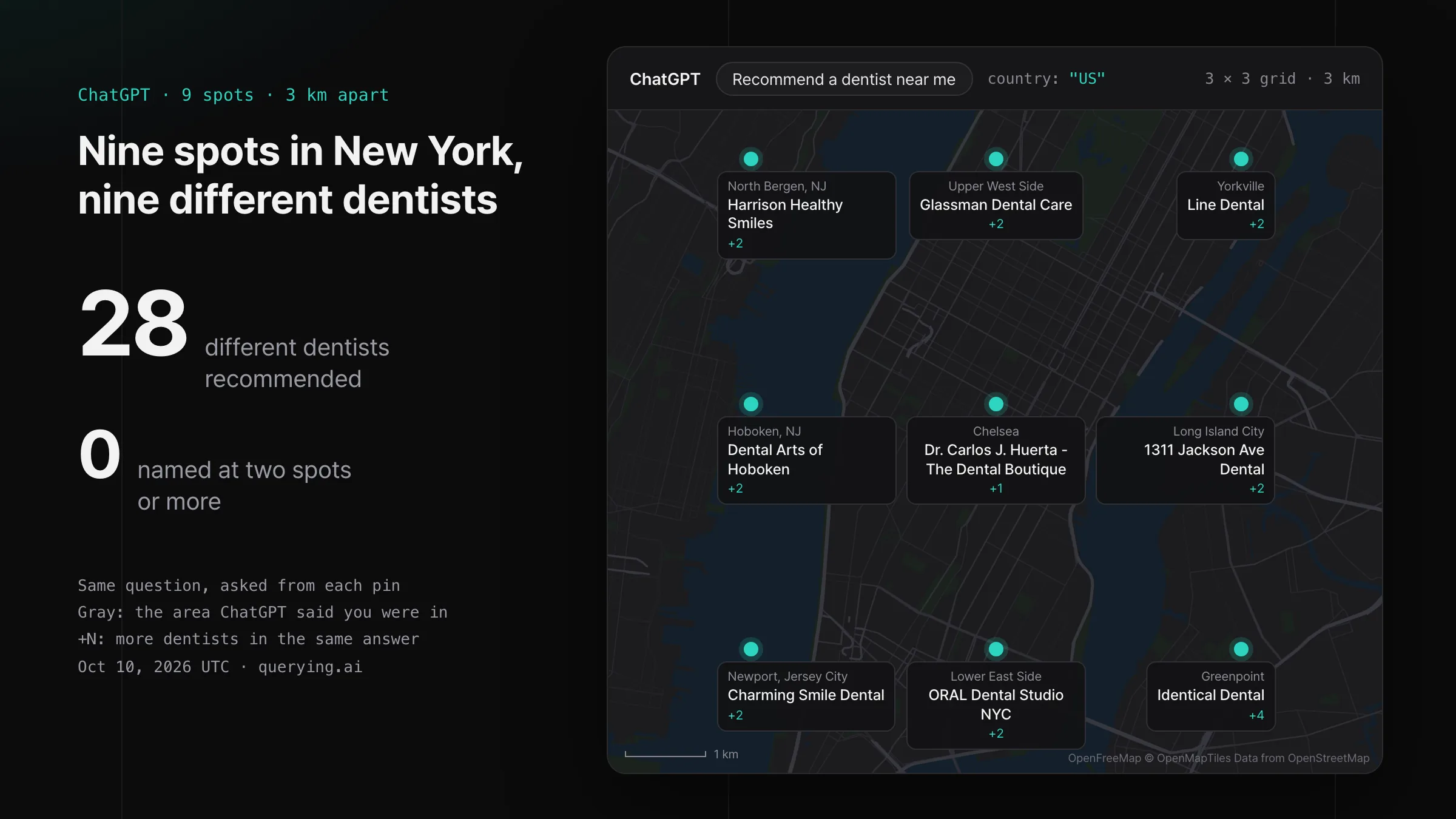
POST /v1/batches. The server paces the items, so your code sends one request and listens. - One prompt asked from many points around a place:
POST /v1/async/task/grid, up to a 9 × 9 grid.
Submit a daily job as one batch
A batch carries an items array, one webhook.url for every item, optional metadata and an idempotencyKey for the batch itself. Each item is a normal task request with an optional customId that comes back with its result. Date the batch key, and sending the same day's batch twice returns the first one.
curl -X POST https://api.querying.ai/v1/batches \
  -H "Authorization: Bearer $QUERYING_API_KEY" \
  -H "Content-Type: application/json" \
  -d '{
    "idempotencyKey": "daily-2026-11-05",
    "webhook": { "url": "https://hooks.example.com/querying" },
    "metadata": { "run": "daily" },
    "items": [
      { "customId": "p0001-chatgpt", "idempotencyKey": "2026-11-05:p0001:chatgpt", "taskType": "CHATGPT", "payload": { "prompt": "best CRM for a small team", "country": "US" } },
      { "customId": "p0001-gemini", "idempotencyKey": "2026-11-05:p0001:gemini", "taskType": "GEMINI", "payload": { "prompt": "best CRM for a small team", "country": "US" } }
    ]
  }'
The response is 202 with the batch id, its status and counts by item status. Every item is validated before anything is stored: one invalid item returns 400 VALIDATION_ERROR with the failing indexes, so a malformed prompt list fails fast and costs nothing.
What sets your throughput
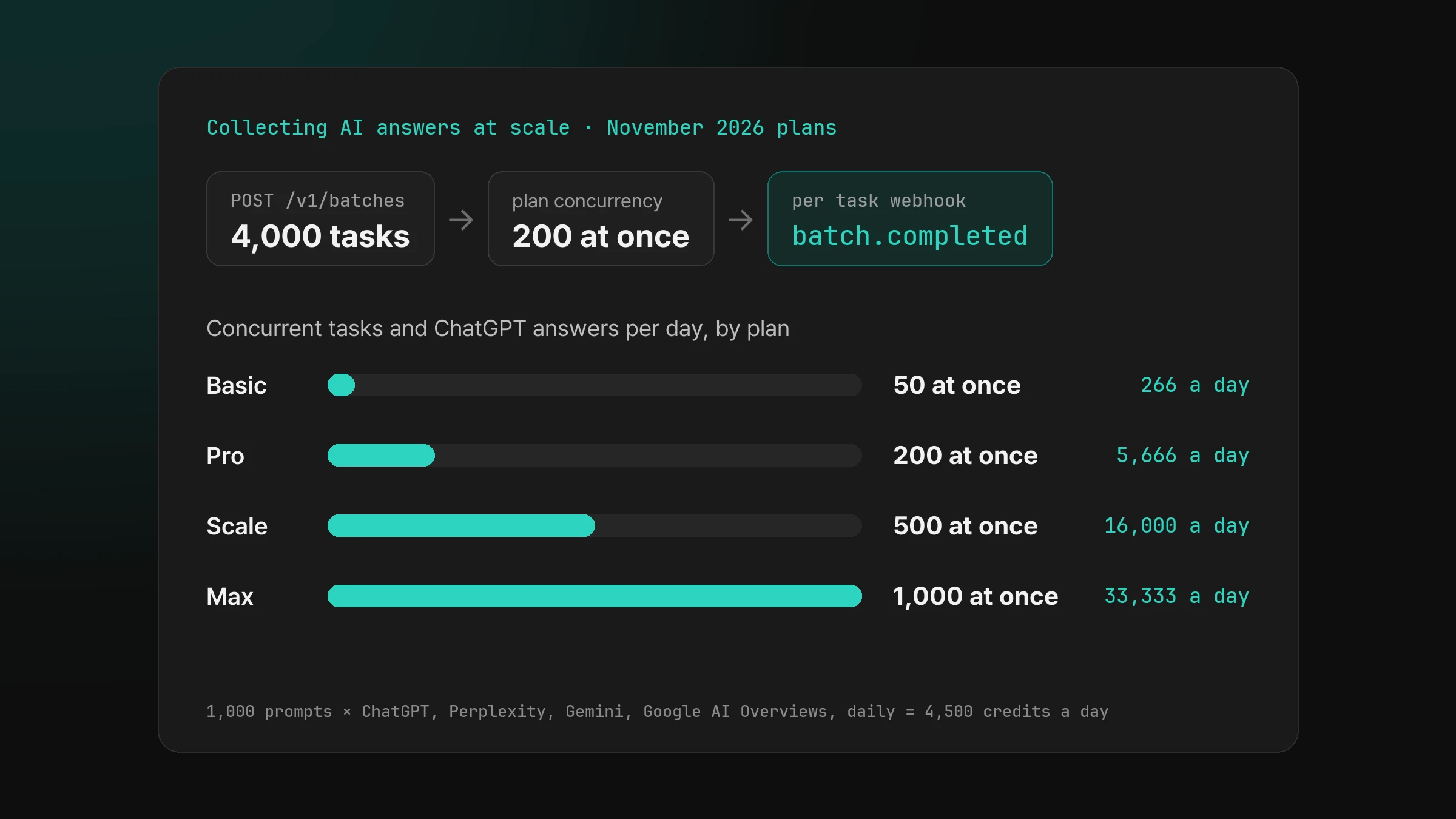
Two numbers set how much a plan collects. Concurrency is how many tasks you have queued or processing at once, and the server releases batch items into that room as earlier tasks finish. Credits set how many answers the month holds. The table divides each plan's monthly credits by 30.
| Plan | Concurrent tasks | Credits per month | ChatGPT answers per day | Gemini answers per day |
|---|---|---|---|---|
| Basic | 50 | 8,000 | 266 | 213 |
| Pro | 200 | 170,000 | 5,666 | 4,533 |
| Scale | 500 | 480,000 | 16,000 | 12,800 |
| Max | 1,000 | 1,000,000 | 33,333 | 26,666 |
The free plan starts with 500 credits and 2 concurrent tasks, enough to test a batch end to end. The edge allows 1,200 requests per minute per API key, and a 500 item array counts as one request, so batching also keeps a large job well inside the request rate. Limits and codes are in Credits and limits.
curl https://api.querying.ai/v1/async/status \
  -H "Authorization: Bearer $QUERYING_API_KEY"

{ "queuedTasks": 19, "processingTasks": 6, "concurrency": { "used": 25, "max": 200 } }
GET /v1/async/status is free to call. concurrency.max - concurrency.used is the room left for new tasks, which tells a scheduler how fast to send single tasks alongside a running batch.
A worked daily job: 1,000 prompts on four engines
Take 1,000 prompts asked once a day in one country on ChatGPT, Perplexity, Gemini and Google AI Overviews. That is 4,000 tasks, well under the 10,000 item limit of one batch. The four engines cost 4.5 credits per prompt, so the job uses 4,500 credits a day and 135,000 a month. Pro at $200 a month holds 170,000 credits and 200 concurrent tasks.
- Build the items from your prompt table: one item per prompt and engine, with
customIdset to your own prompt id and engine. - Key each item by date, prompt and engine, for example
2026-11-05:p0001:chatgpt. - Send one
POST /v1/batcheswith a dated batch key and your webhook URL. - Write each task webhook to your store, and close the day's run on
batch.completed. - Sweep
GET /v1/batches/{id}/items?status=failedand decide which prompts to send again tomorrow.
To grow the job, add prompts before you add repeats. Monthly cost scales with prompts × engines × countries × runs, worked through in How much does AI visibility tracking cost?.
Retry without duplicates
- Give every task an
idempotencyKey. A repeat of the same key returns the existing task, so a retry after a timeout or a crash creates no second answer and no second charge. Keys stay reserved for at least 30 days. - On
429and503from the submit endpoints, wait the seconds inRetry-Afterand resubmit with the same key. - Edge
429responses carry no JSON body. Back off with an exponential delay. - Inside
POST /v1/batches, items refused for capacity stay PENDING and the server tries them again.INSUFFICIENT_CREDITSrejects the item, so top up credits before a large run.
Store answers before they expire
A finished task delivers a webhook with its result, and a batch posts one batch.completed event when every item has finished. Delivery is at least once: deduplicate on the querying-webhook-id header and make the write idempotent. Signatures and retry timing are in Webhooks.
curl https://api.querying.ai/v1/batches/3f6b2a10-... \
  -H "Authorization: Bearer $QUERYING_API_KEY"

curl "https://api.querying.ai/v1/batches/3f6b2a10-.../items?status=completed&include=response&limit=100" \
  -H "Authorization: Bearer $QUERYING_API_KEY"
Polling is the safety net. GET /v1/batches/{id} returns counts by item status, and the items endpoint pages through results 100 at a time with include=response. Result bodies stay readable for 24 hours after each task completes, and the batch itself stays readable for 30 days, so save answers as they arrive and run the sweep within the day.
Frequently asked questions
How many AI answers can I collect in one request?
Up to 10,000 with POST /v1/batches, or up to 500 with POST /v1/async/task/batch. Engines and countries can be mixed in one request.
What happens when a batch is larger than my concurrency limit?
The extra items wait on the server as PENDING and are released as your running tasks finish. Your code sends the batch once and reads the results from webhooks or the items endpoint.
How much does a daily job of 4,000 answers cost?
1,000 prompts on ChatGPT, Perplexity, Gemini and Google AI Overviews use 4,500 credits a day and 135,000 a month. The Pro plan at $200 a month covers it.
When am I charged for a task in a batch?
When the task completes. A failed task costs 0, and a repeated idempotencyKey returns the existing task without a new charge.
How long are results kept?
Result bodies are readable for 24 hours after a task completes. A batch, with its item list and counts, is readable for 30 days from its creation.