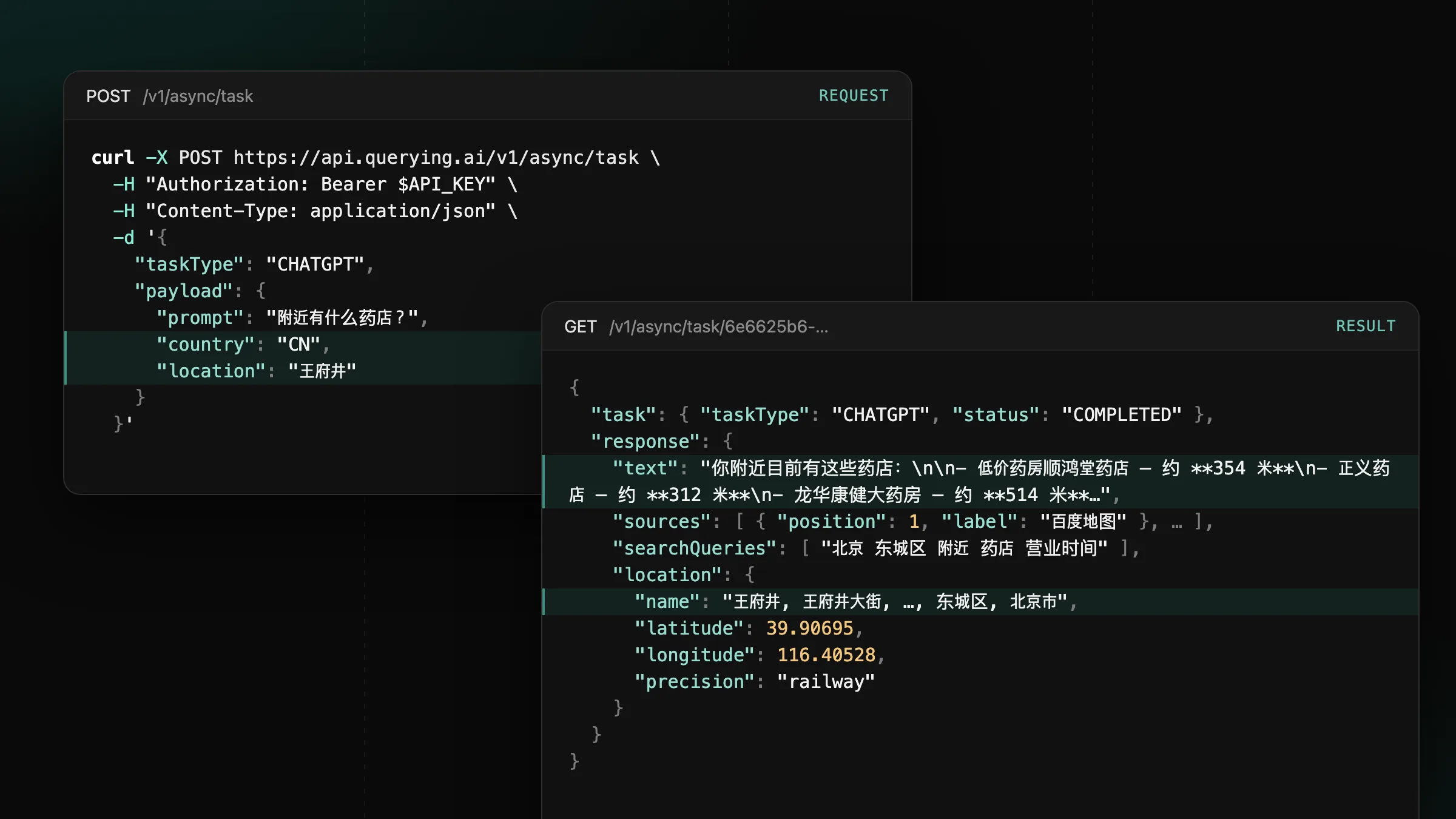
Now supporting mainland China on ChatGPT, Gemini and Google
Set country to CN or HK on CHATGPT, GEMINI and GOOGLE tasks to get the answers users in mainland China and Hong Kong see.
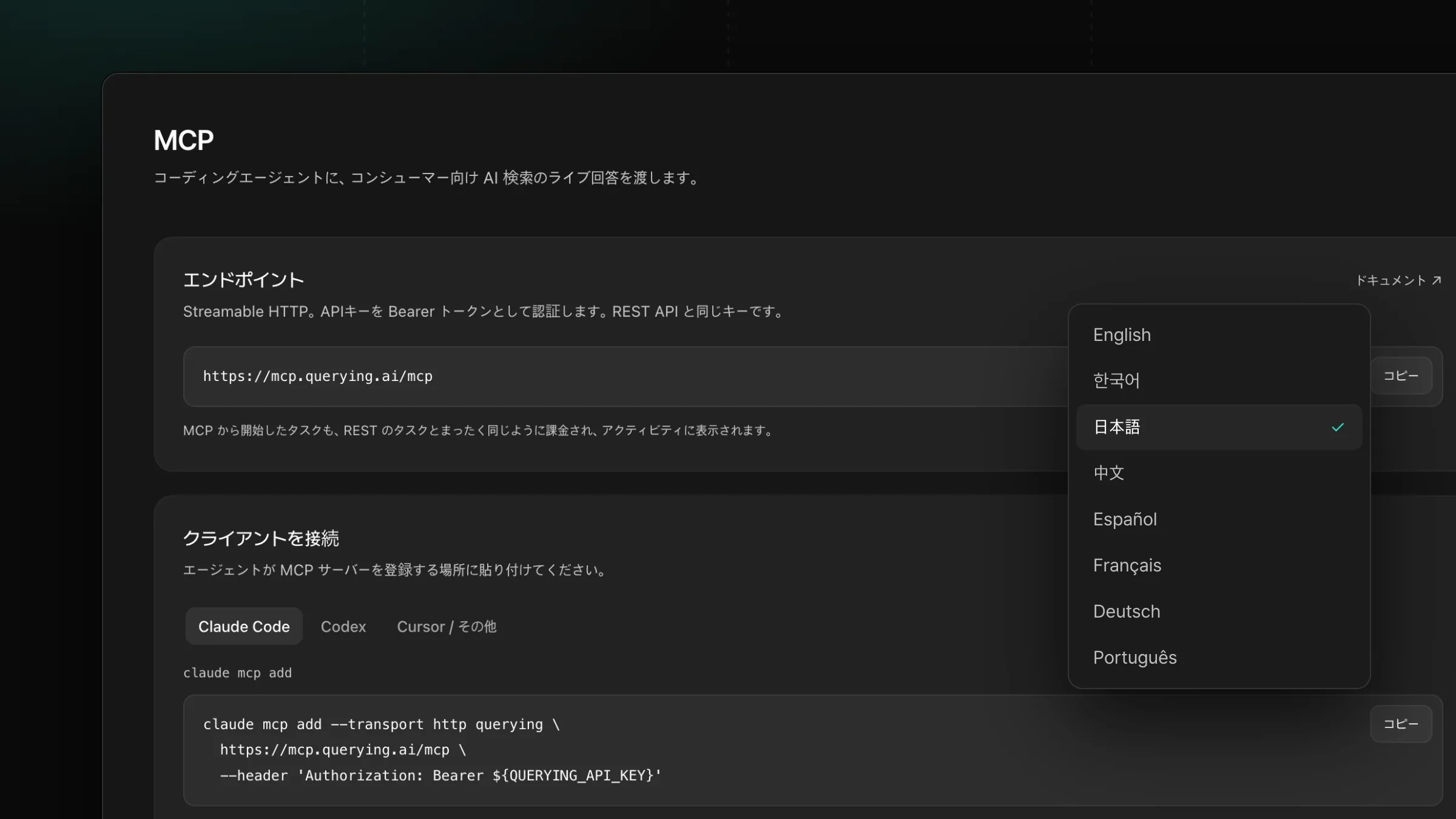
Use the dashboard, docs and shared monitor reports in eight languages.
docs.querying.ai.Pick a language from the menu at the bottom of the sidebar, and the whole site follows: the dashboard, the docs and the public pages switch together, and your choice is remembered for your next visit. Until you pick one, the site opens in the language of your country.
Shared reports have their own setting. In the Publish panel, set Report language, and everyone who opens the link reads the report in that language. The public site speaks the same eight languages, from the home page and pricing to the engine pages, AI Index and this changelog.
Set country to CN or HK on CHATGPT, GEMINI and GOOGLE tasks to get the answers users in mainland China and Hong Kong see.
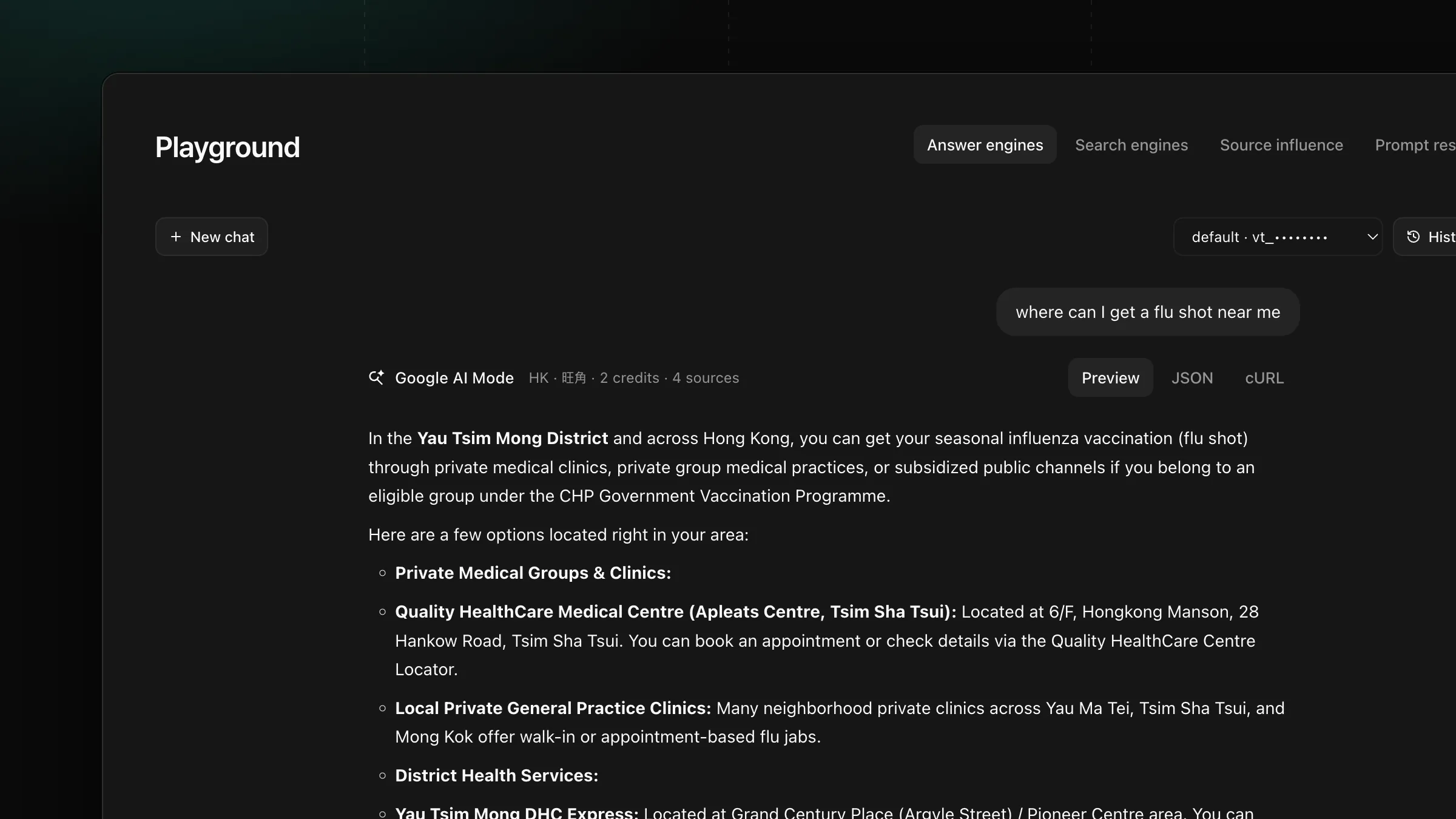
Set payload.location on GOOGLE, AIMODE and GOOGLE_SERP tasks to get the AI Overview, AI Mode answer and search results a user at that place sees.
Get new product updates in your inbox.